Photo for illustrative purposes only.
Find out moreVolvo Cars Oakville

If you own a Volvo EV in Oakville, winter mornings can be brutal. The Volvo Cars app changes that. You can start the car, heat the cabin, and precondition the battery from your kitchen - all before stepping outside. But remote start is just the beginning. The app gives you control over charging schedules, fluid monitoring, trip planning, and more, turning your smartphone into a command centre for your Volvo.
This guide walks through what the Volvo app can do, how to use its most valuable features, and why it matters for Canadian EV ownership.
The Volvo Cars app connects to your vehicle over cellular data, accessible from anywhere. It covers three main areas: climate control and preconditioning, charging management, and vehicle monitoring. Each solves specific problems EV owners face, especially in Canadian winters.
Climate control is the most visible feature. Set a departure time, and the app heats the cabin and battery to your preferred temperature before you leave. This is critical because cold batteries deliver less power and accept less regenerative braking. Preconditioning while plugged in shifts the heating load to the grid instead of the battery, preserving range. Canadian EV organizations recommend preheating the cabin and battery 20 to 30 minutes before departure while still plugged in. The app automates this.
Charging management lets you schedule charging to start at specific times, monitor progress in real time, and set target charge levels. This is useful for taking advantage of off-peak electricity rates or monitoring Level 2 public charging sessions. The app shows your current state of charge, estimated range, and time remaining until full.
Vehicle monitoring displays fluid levels, tire pressure, and service reminders without requiring you to check the dashboard. If a tire is low or service is approaching, the app notifies you. This is especially useful in winter, when cold air lowers tire pressure. The app makes monthly winter tire pressure checks easier.
On a January morning in Oakville, you can start the car from inside, set the cabin temperature, and activate heated seats and steering wheel. By the time you walk outside, the windshield is clear, the interior is warm, and the battery is preconditioned. This isn't just about comfort - it directly affects range.
Preconditioning while plugged in is one of the highest-impact range savers in winter. Cabin heating alone can consume 20 to 25 percent of usable range at low temperatures. If you heat the cabin using battery power, you lose that range before leaving the driveway. If you heat it while plugged in, the grid handles the load, and you start with a full battery.
The app also lets you prioritize seat and steering-wheel heaters over full cabin heating. These consume significantly less energy than warming the entire cabin. You can adjust this in the app's climate settings. If driving alone, heat only the driver's seat and wheel to cut energy use further.
Scheduled departure automates this. Tell the app what time you leave for work each morning, and it preconditions the car at that time every day. You don't need to open the app - the car is ready when you are.
The app's charging features give you control over when and how your Volvo charges. Schedule charging to start at specific times, useful if your electricity provider offers off-peak rates. In Ontario, off-peak rates are significantly lower than peak rates, and scheduling your session to start at 7 p.m. instead of 5 p.m. saves money over the year.
The app shows real-time charging progress: current state of charge, estimated time to full, and charging rate in kilowatts. This is useful when plugged into Level 2 public chargers. The app tells you exactly when you'll have enough range to continue your trip.
You can also set a target charge level. If you only need 80 percent charge for your daily commute, set the app to stop at 80 percent instead of 100 percent. This reduces charging time and can extend battery life, since lithium-ion batteries experience less stress when not held at full charge for extended periods.
The app supports DC fast-charge monitoring as well. If you're on a road trip and plugged into a fast charger, the app shows charging rate and estimated time to your target level. Canadian guidance for winter EV trips emphasizes using apps to plan more frequent, shorter DC fast-charge stops, especially in very cold conditions where charging speeds are reduced.

The app's monitoring features cover maintenance. Check fluid levels, tire pressure, and service intervals without opening the hood or checking the dashboard.
Tire pressure monitoring is one of the app's most practical features. Cold air lowers tire pressure, which increases rolling resistance and reduces range. The app shows pressure in each tire and alerts you if any tire is significantly low. Check this from your phone before leaving the house.
Fluid level monitoring covers:
The app shows current levels and alerts you if any are low. This is useful for washer fluid in particular, since winter driving in Ontario uses a lot of it.
Service reminders tie to your vehicle's maintenance schedule. The app shows upcoming service intervals, recommended tasks, and the date of your last service. You can also book service appointments directly through the app at participating dealerships.
The Volvo app integrates with the vehicle's navigation system to help plan trips, especially in winter. The app shows your current range, nearby charging stations, and estimated range at your destination. Planning a trip from Oakville to Ottawa, the app calculates how many charging stops you'll need and where to make them.
Winter range is critical for trip planning. Winter range can decrease by 20 to 40 percent in Canadian conditions, depending on temperature, driving speed, and HVAC use. The app accounts for this when calculating range and charging stops, using real-time data from your vehicle.
The app also shows charging station availability. If you're planning to stop at a specific fast charger, the app tells you how many stalls are available and whether any are in use.
For longer trips, the app recommends arriving at fast chargers with 10 to 20 percent state of charge, allowing the battery to accept a higher charging rate. The app also recommends preconditioning the battery before arriving at a fast charger, which warms the pack and improves charging speed. If your Volvo supports battery preconditioning, the app can activate it automatically as you approach the charger.
Setting up the Volvo app is straightforward. Download the app from the App Store or Google Play, create an account, and link your vehicle using the VIN. The setup process takes about five minutes.
First, set up scheduled departure. Open the app, go to climate settings, and set your departure time. Choose a target cabin temperature and whether to activate heated seats and steering wheel. You can also choose whether to precondition the battery.
Second, set up scheduled charging. If your electricity provider offers off-peak rates, schedule your charging session to start during off-peak hours. Open the app, go to charging settings, and set your preferred start time.
Third, check your notification settings. The app can send notifications for low tire pressure, low fluid levels, charging completion, and service reminders. Customise which notifications you receive and how often.
The Volvo app solves problems specific to Canadian EV ownership. Winter range loss, cold-weather charging, and battery preconditioning are all challenges Canadian drivers face, and the app addresses each one. It automates tasks that improve range and efficiency and gives you real-time data to help you make better decisions.
Preconditioning while plugged in is the most effective way to preserve range in winter, and the app makes it automatic. This shifts the heating load to the grid instead of the battery, preserving your usable range on cold mornings.
Scheduled charging is the second most valuable feature. If you charge during off-peak hours, you can save hundreds of dollars per year on electricity costs.
Trip planning is the third pillar. The app helps you plan longer trips by calculating charging stops, estimating range, and showing charger availability. This is especially useful in winter, when range is reduced and charging speeds are slower.
The Volvo Cars app is not a gimmick. It is a tool that makes EV ownership easier, especially in Canadian winters. It automates tasks that improve range, gives you control over charging, and helps you monitor your vehicle. If you own a Volvo EV and you're not using the app, you're missing a meaningful part of the ownership experience.
Our team at Volvo Cars Oakville can walk you through the app's features and help you set up scheduled departure, charging schedules, and notifications. If you have questions about how the app works or how to use it for winter driving, stop by the dealership, book an appointment online, or give us a call. The app is designed to make your life easier - we can show you how to get the most out of it.
Photo for illustrative purposes only.
Find out more
Active Air Suspension on the 2026 Volvo XC90 Ultra, Explained
A seven-seat SUV spends its life doing two different jobs: soaking up a rough commute and staying flat through a highway lane change with a full...
Read more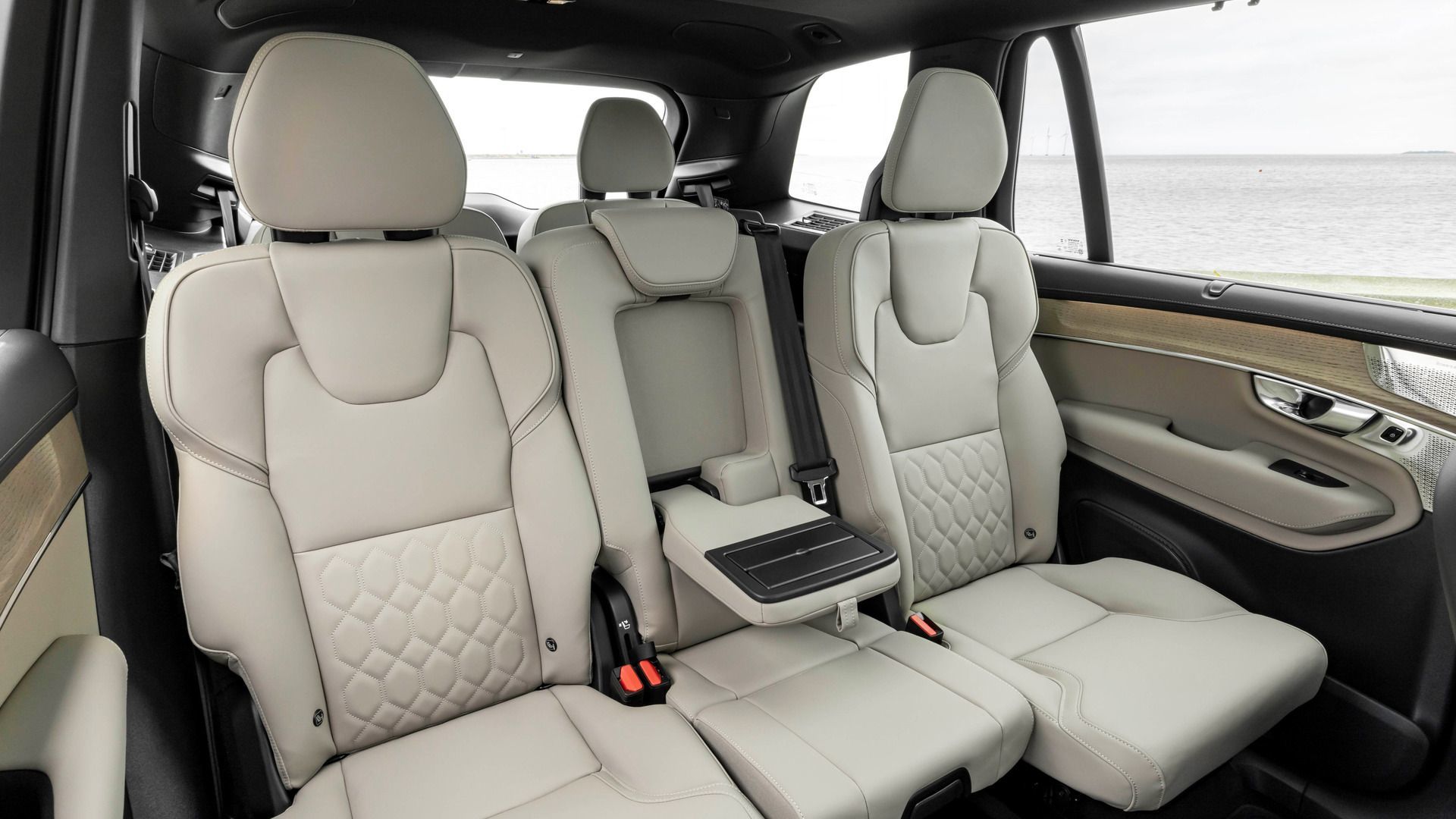
Integrated Booster Cushions: Which 2026 Volvo XC90 Trim Has Them Built In?
Shopping a three-row SUV with car-seat years still ahead means looking past horsepower and straight at the second row. For Ontario families...
Read more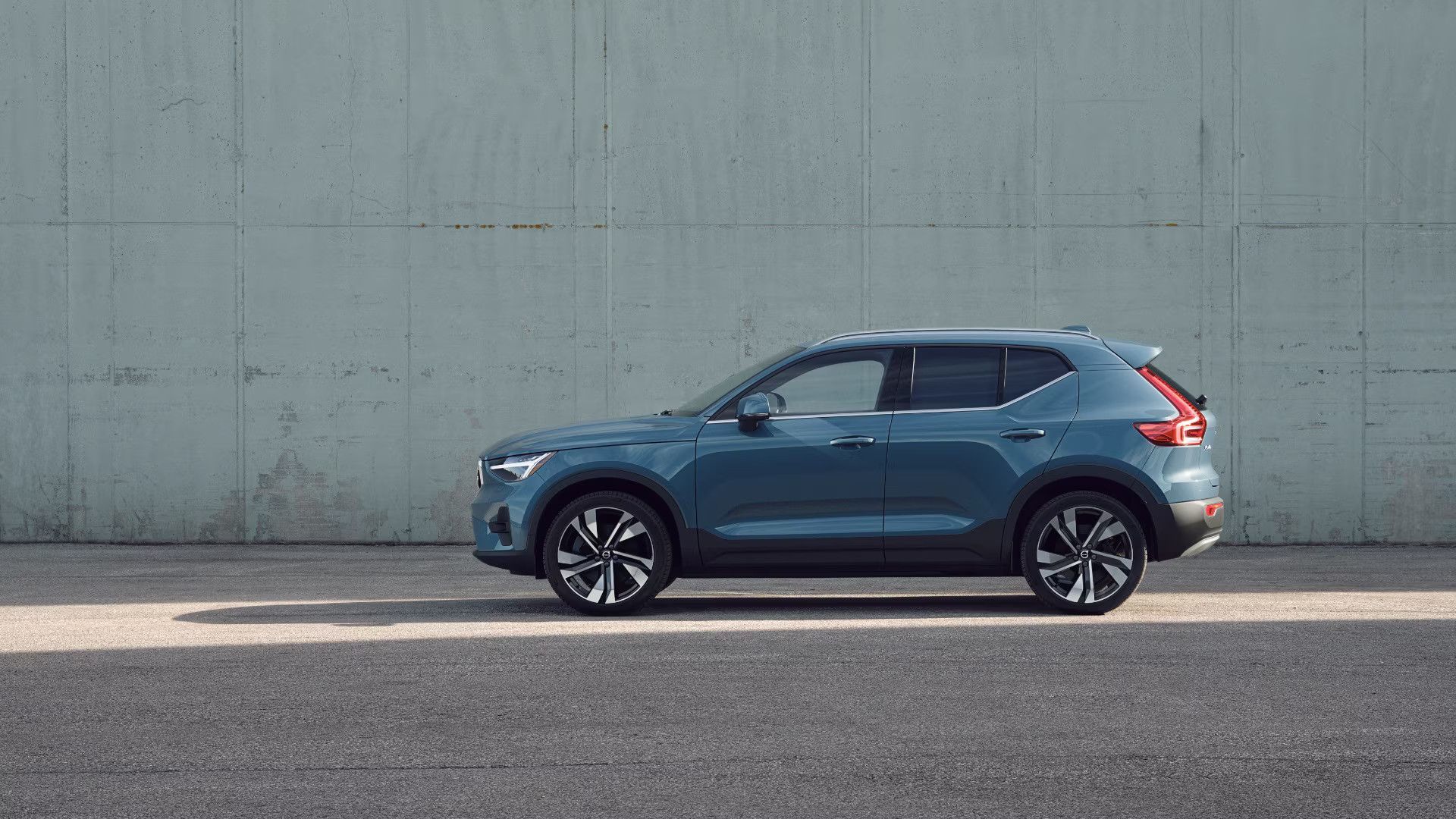
Is the 2026 Volvo XC40 Big Enough for a Family of 4?
A compact SUV has to do a lot of jobs at once: car seat hauler, grocery getter, weekend escape vehicle. If you’re an Ontario family of two adults...
Read morePowered and developed by
