
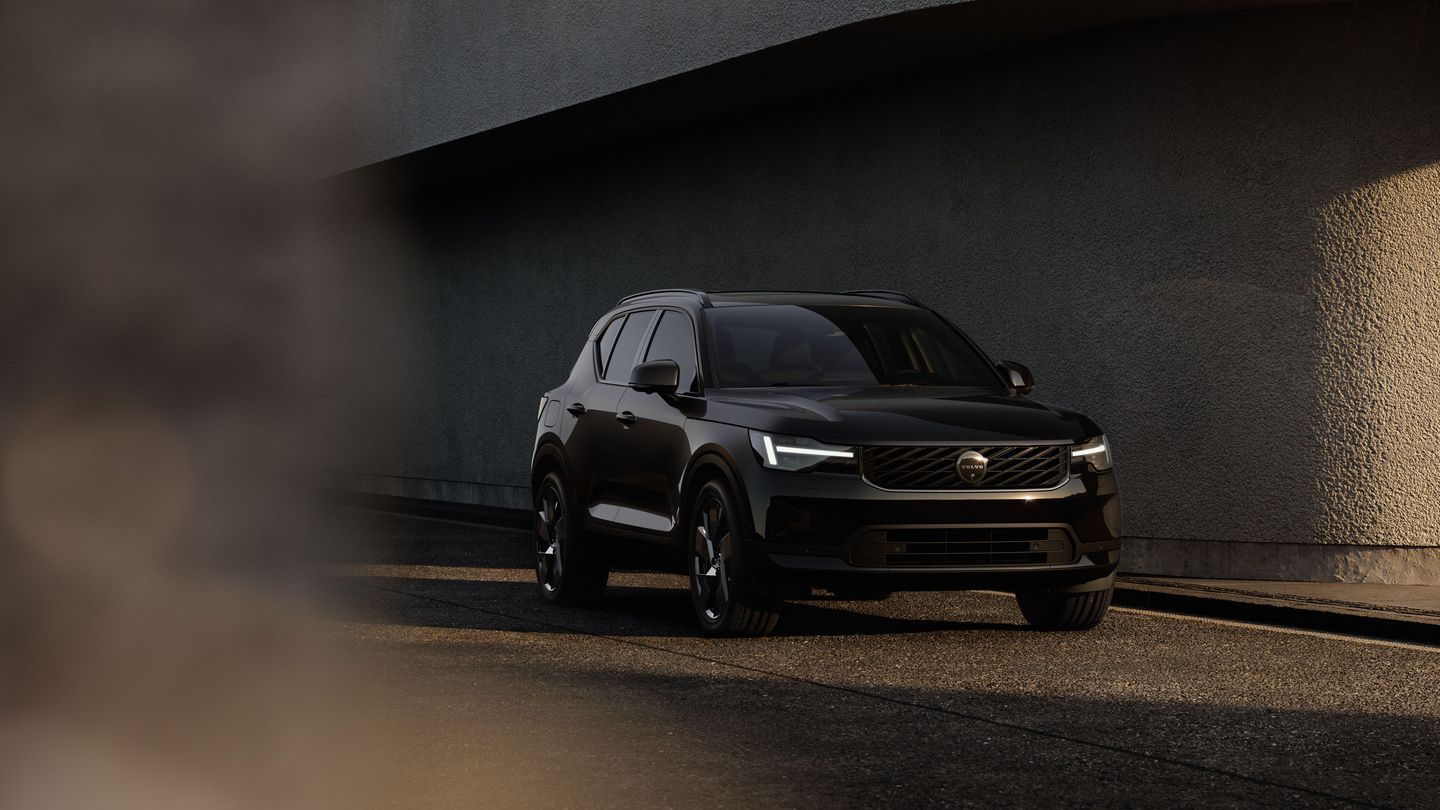
A Fresh Face and a Smarter Cabin for the 2028 Volvo XC40
The 2028 Volvo XC40 gets a fresh face, a bigger screen, and a safety system with new hardware behind it. For Ontario shoppers already eyeing a...
Read moreVolvo Cars Oakville
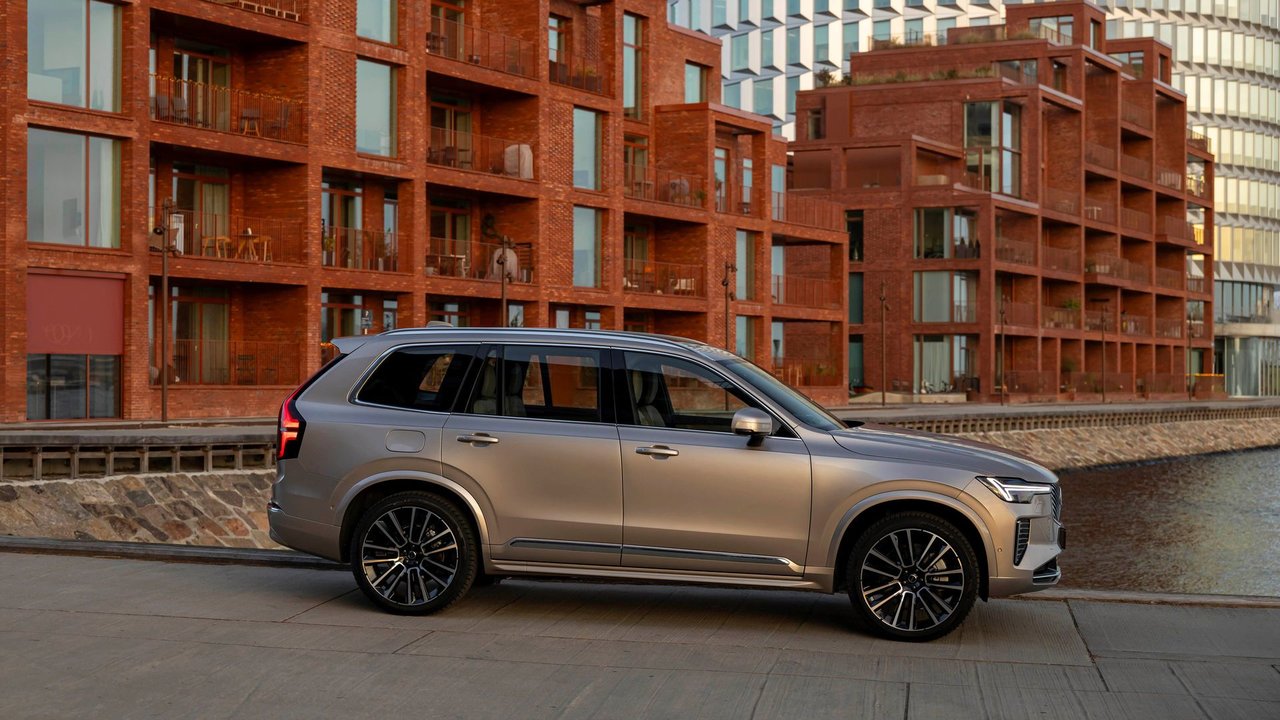
One of the most consistently praised — and often underutilized — features in a modern Volvo is the Volvo Cars app. It's free, available on iOS and Android, and once paired with your vehicle, it gives you a level of control and awareness that makes day-to-day ownership genuinely easier. For drivers in Oakville and across Halton Region, here's a full look at what the app does and how to get the most out of it.
What the Volvo Cars App Actually Does
The app connects to your vehicle through Volvo's onboard connectivity system and communicates via a cellular connection — meaning it works from anywhere with mobile service, not just when you're nearby. The core features fall into a few practical categories.
Remote Climate Control
Ontario winters make this feature alone worth downloading the app. Before you leave the house, office, or a restaurant, you can start your vehicle's climate system remotely — ensuring the cabin is warm, the windshield is defrosted, and the seat heaters are already at temperature by the time you reach the car.
For plug-in hybrid owners driving a 2026 XC60 T8 or XC90 T8, this pre-conditioning is especially valuable: the system can use grid power to heat or cool the cabin before you leave, which protects battery range for driving rather than burning it on cabin conditioning. In an Oakville January, that's a meaningful efficiency advantage.
Remote climate features accessible through the app include:
Lock, Unlock, and Security Status
Ever pulled onto the QEW and suddenly couldn't remember if you locked the car? The app removes that uncertainty immediately. From your phone, you can:
The app also provides a timestamp of recent lock activity, so you can confirm exactly when the vehicle was last locked and by whom — useful for households sharing a vehicle.
Fuel and Charge Monitoring

The app gives you a live snapshot of your vehicle's energy status without needing to walk to the car or start the engine. For mild-hybrid owners like those driving an XC60 B5, this means checking your remaining fuel range at a glance. For PHEV owners, you get both the electric range and fuel range simultaneously — helping you plan whether to plug in before tomorrow morning's commute.
Owners of the 2026 XC60 T8 and XC90 T8 will find these additional charging features in the app:
Vehicle Location and Trip History
The app displays your vehicle's last known GPS location, which proves useful in multi-level parking structures, large shopping centre lots, or simply when you can't remember which side street you parked on near Oakville's downtown core. Trip history logs recent journeys with distance, duration, and estimated fuel or energy consumption — useful data for tracking fuel costs or verifying driving patterns for insurance or business purposes.
Setting Up the App: A Quick Guide
Getting started is straightforward:
If you're unsure whether your vehicle's connectivity subscription is active, our team at Volvo Cars Oakville can verify this during any service visit and help you link the app correctly if needed.
Tips for Getting the Most Out of the App
Explore Your Volvo's Connected Features at Volvo Cars Oakville
The Volvo Cars app is a feature that genuinely improves the ownership experience — but only when drivers know it exists and understand how to use it. At Volvo Cars Oakville, our product specialists take time during delivery to walk through app setup and features, ensuring you leave with your vehicle fully connected.
If you picked up your Volvo and haven't explored the app yet, we're happy to walk you through it during your next visit or service appointment. The technology is there — we want to make sure you're getting everything it offers.
A Fresh Face and a Smarter Cabin for the 2028 Volvo XC40
The 2028 Volvo XC40 gets a fresh face, a bigger screen, and a safety system with new hardware behind it. For Ontario shoppers already eyeing a...
Read more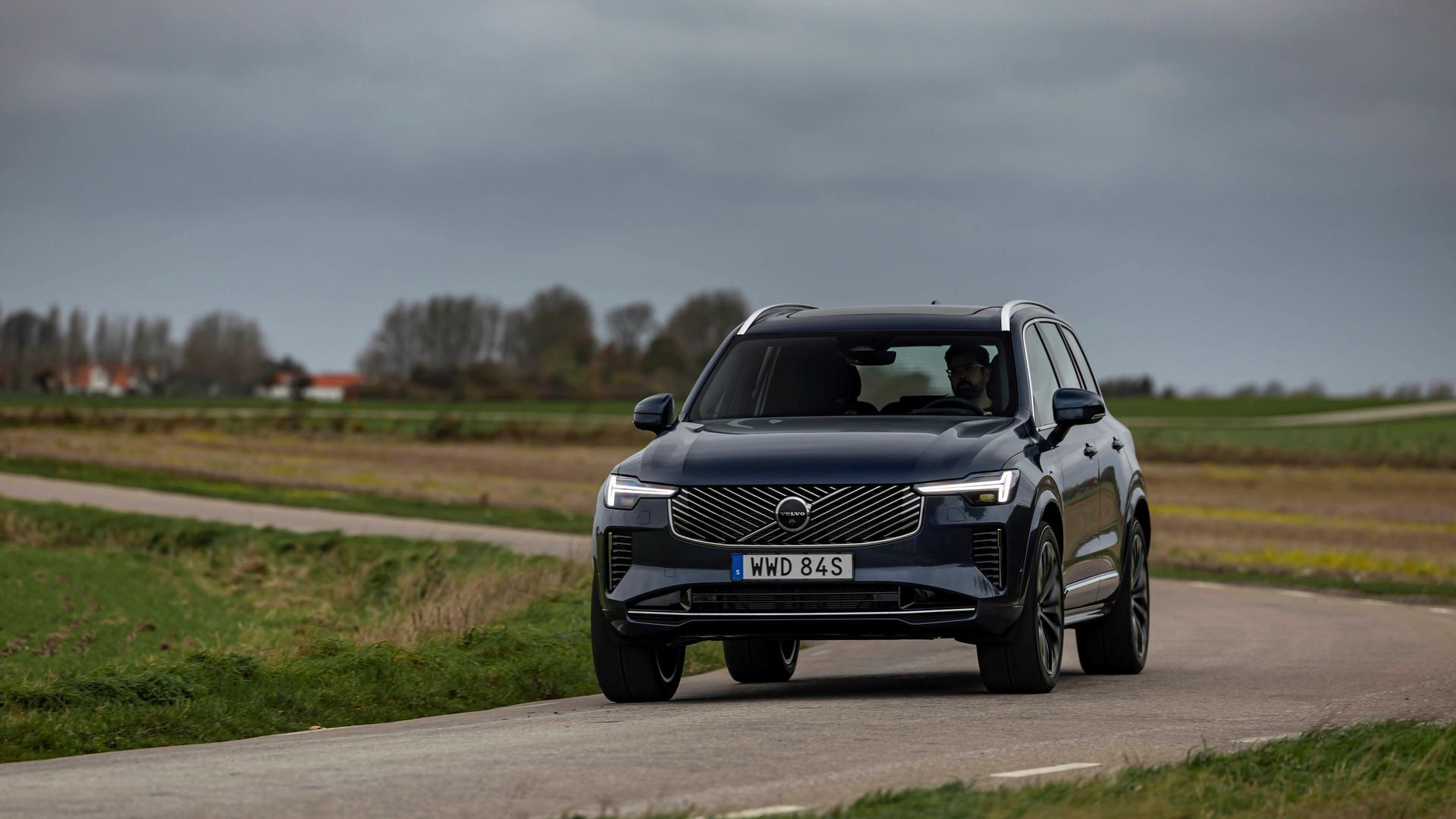
Third-Row Climate Control on Every 2026 Volvo XC90 Trim
Third-row seats are only useful if the people sitting in them are comfortable. On the 2026 Volvo XC90, the climate system reaches all the way to...
Read more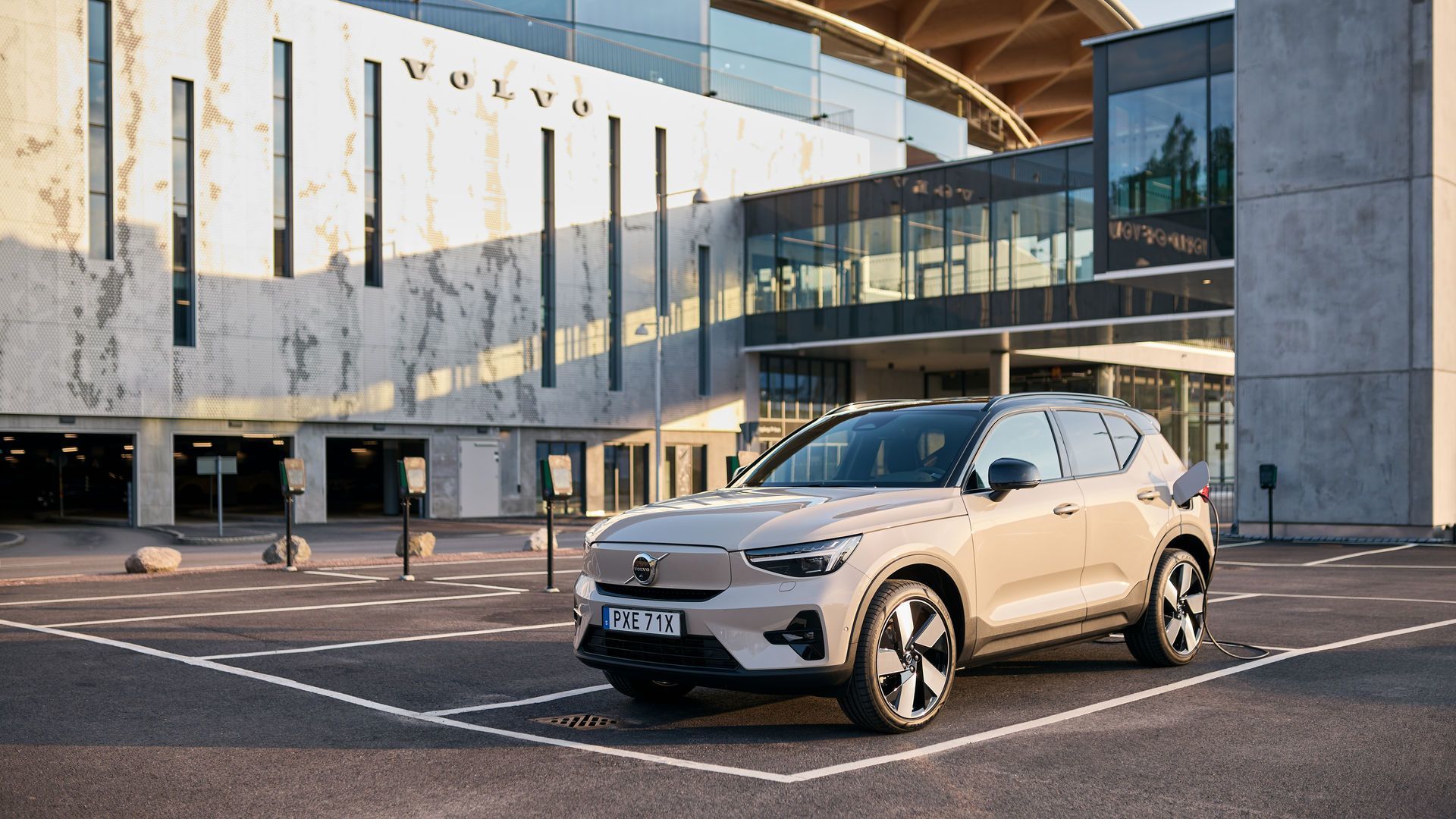
Keeping Winter Range Up in a 2026 Volvo EX40 With the Optional Heat Pump
October mornings are getting cooler, and for an EV shopper that raises a practical question: what does heating the cabin do to the day’s driving?...
Read morePowered and developed by
